
Self-hosted media, in your pocket
Every service in your stack. One screen.
Plundarr connects straight to your own servers — Radarr, Sonarr, Plex, Tautulli and a dozen more — and pulls them into one fast, native iOS app. No cloud relay. No subscription.

What is Plundarr?
Plundarr is a native iOS app that connects directly to your own self-hosted media servers and manages all of them from a single interface. It supports 18 services: Radarr, Sonarr, Lidarr, Prowlarr and Bazarr for your library; Plex, Tautulli and Jellystat for playback and statistics; Overseerr and Jellyseerr for requests; Deluge, qBittorrent, Transmission, SABnzbd and NZBGet for downloads; plus Jackett, Wizarr and Unraid.
There is no cloud relay and no account. The app talks to your servers over your own network or VPN, and every credential is held in the iOS Keychain, backed by the Secure Enclave. No subscription, no telemetry, no analytics SDK. Plundarr needs iOS 16 or later and runs on iPhone and iPad, with an Android version in development.
services, one interface. Enable only what you run — every integration is independent.
See it working
Three of the screens you'll live in. Browse your library on the train, approve a request from the sofa, jump to any tool in a tap.


-
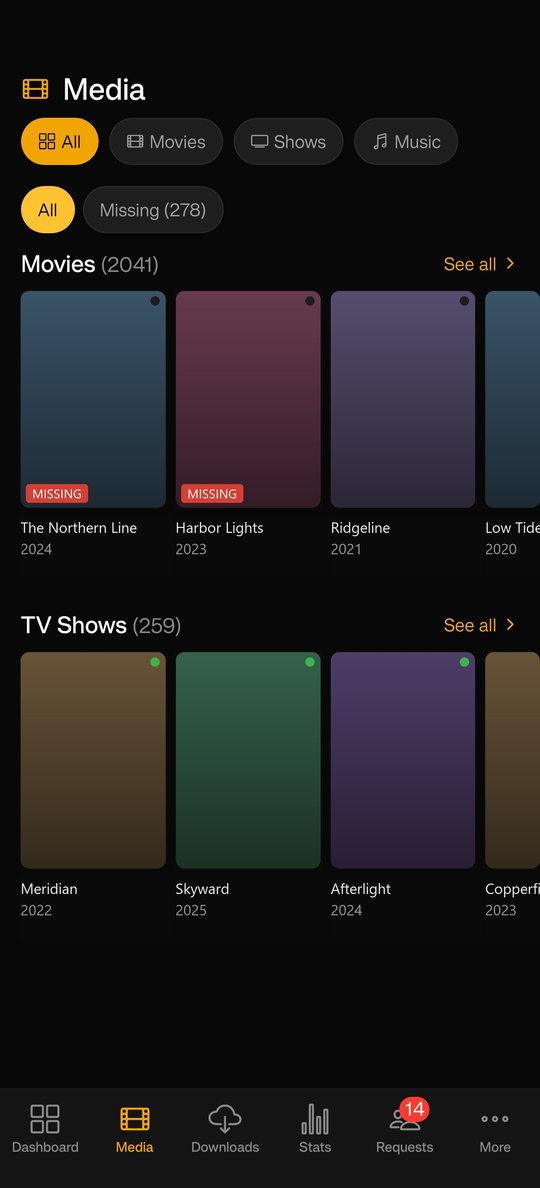
Your whole library
Every Radarr movie and Sonarr show in one place, with anything missing flagged at a glance.
-
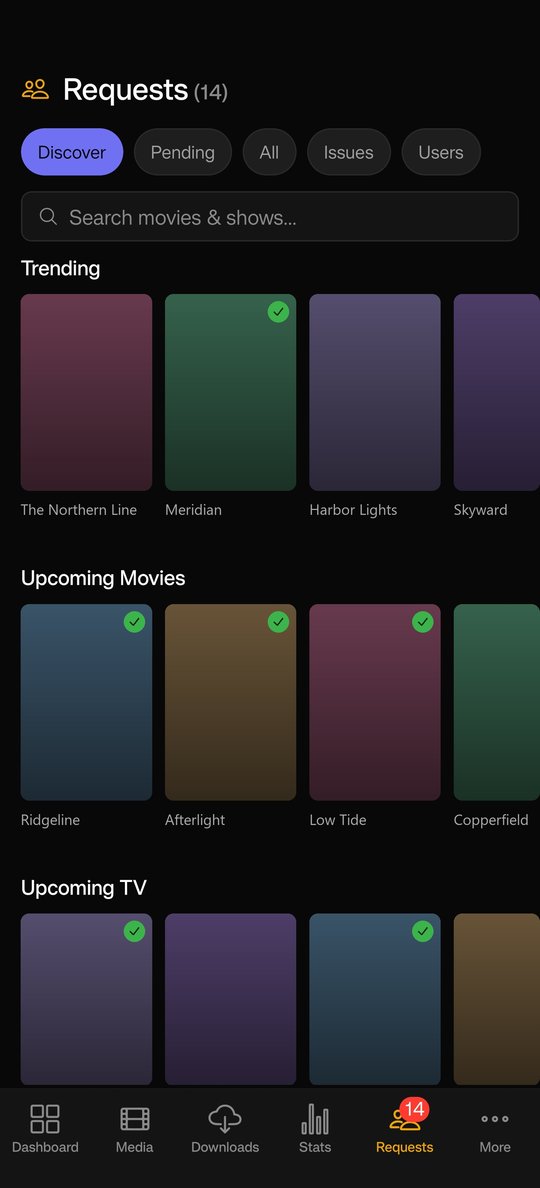
Request in a tap
Search through Seerr or Jellyseerr, then approve requests without leaving the app.
-
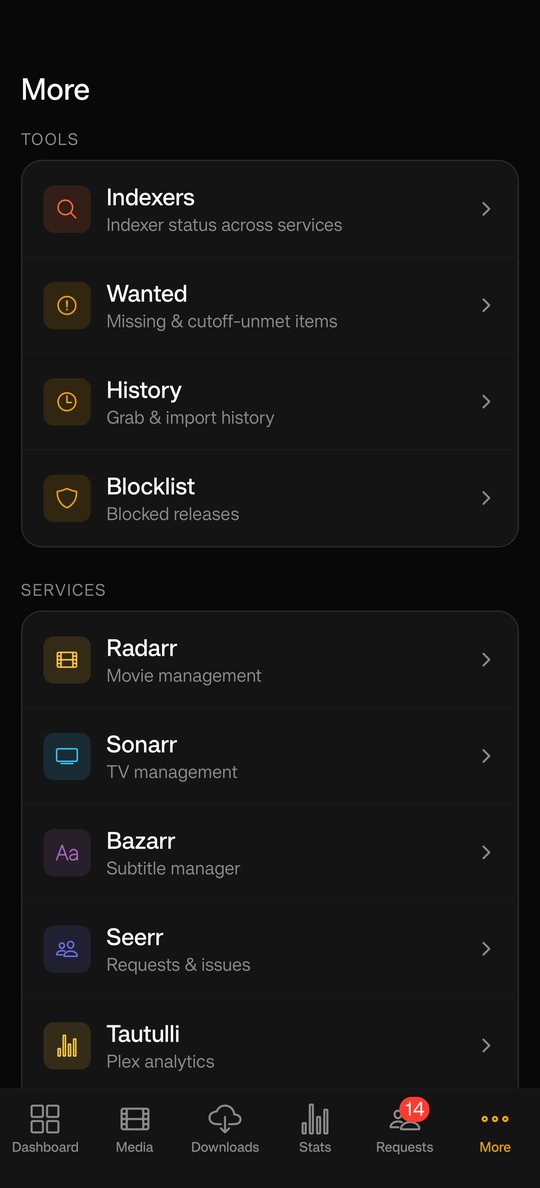
Every tool, one tap away
Indexers, wanted, history and blocklist sit right beside every service you run.
Your credentials never leave your device
Every key, password and token is written to the iOS Keychain via the Secure Enclave — never plain storage, and never sent to anyone but the servers you point them at.
Face ID and Touch ID gate app launch, settings and API config — three independent levels.
Credentials live in the native Keychain via expo-secure-store — never in plain storage or backups.
Nothing about you or your library is sent to Plundarr or any analytics service. Your data stays on your network.
Biometric data is processed entirely by the Secure Enclave. Plundarr never sees it.
Put your stack in your pocket.
Connect your servers in minutes. Free, native, iOS 16+.